The Best Todoist Alternatives If Long Lists Overwhelm You
If opening Todoist means facing forty tasks and doing none of them, you need an app that shows you less. Seven Todoist alternatives, from one-clear-to-do coaching to one task at a time on a timer.
By Julian · · 10 min read
The short version
If long lists are what make Todoist hard, the best alternative is an app that shows you less, not one that holds more. Flourish is our top pick: you talk through everything on your mind, it turns that into a prioritised list and gives you one clear to-do for the day, and a coach checks in so it happens. If you want to work through one task at a time on a timer, try Llama Life. For a calm, beautifully simple list on Apple devices, Things 3. For a small daily list you choose each morning, Microsoft To Do and its My Day view. To break a scary task into steps, Goblin Tools. For your day as a visual timeline, Structured, and if you want Todoist's power with habits and focus built in, TickTick.
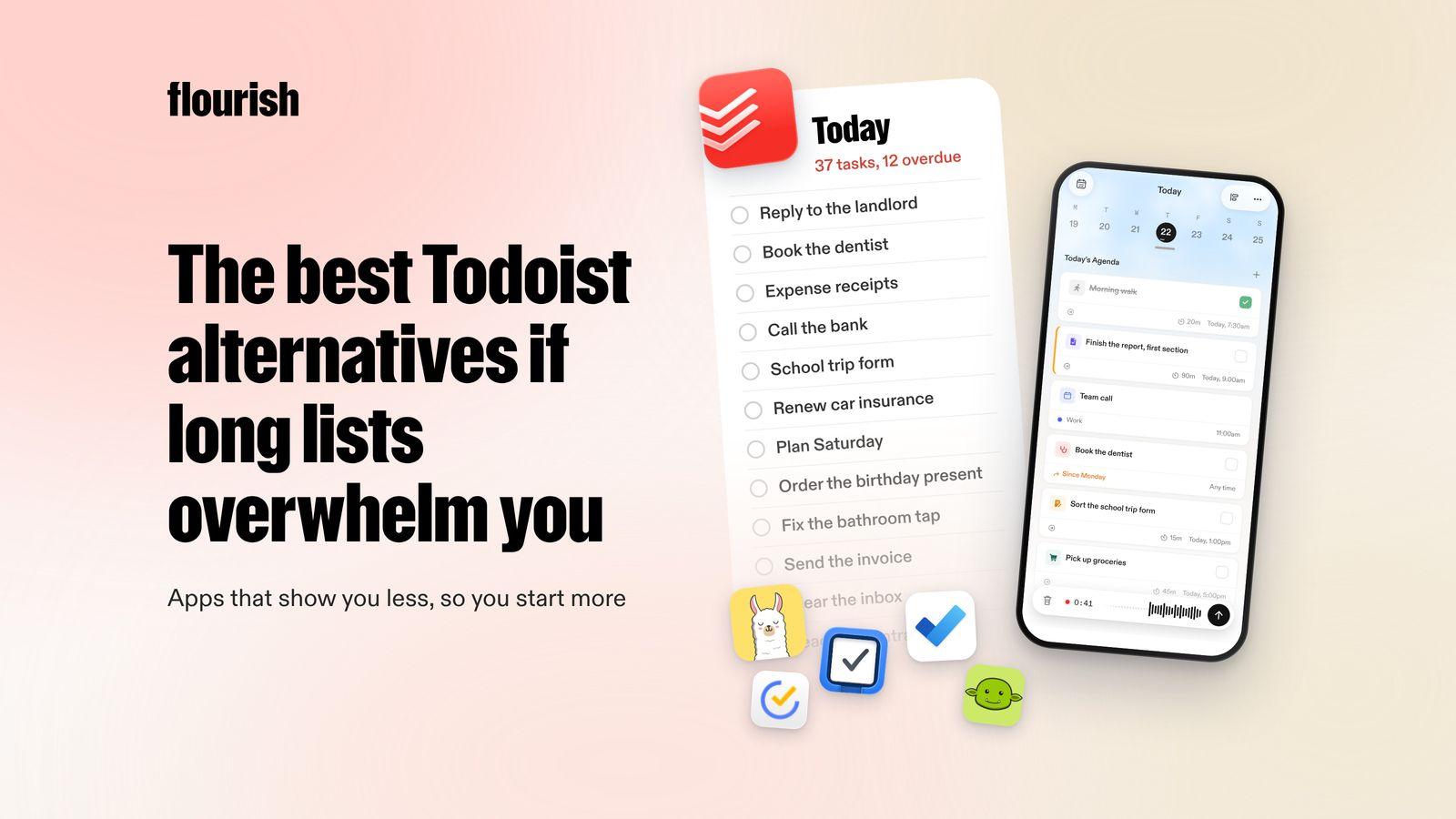
Todoist is one of the best task managers there is. It is fast, works everywhere, and its natural-language Quick Add and Ramble voice capture make it easy to get tasks in (Todoist). That is also the problem for some people. When it is easy to add everything, the list grows faster than you can work through it, and opening the app starts to feel like opening a pile of bills.
Why do long to-do lists feel so overwhelming?
A long list is not just a record of tasks. Every item on it is a small decision waiting to be made: is this today, is it urgent, is it even still needed? Faced with forty of those, many people do the easiest three and close the app, or do not open it at all. Our guide to decision fatigue explains why choosing gets harder the more choices you face.
Overdue tasks make it worse. A red count that keeps rising turns the list into a reminder of what you have not done, rather than a plan for what you will do. For ADHD brains in particular, a list where every item looks equally urgent can tip straight into freeze, which our guide to ADHD paralysis covers in more detail.
The fix is not a better list. It is an app, or a habit, that keeps most of the list out of sight and puts one thing in front of you.

Ranked: the best Todoist alternatives for list overwhelm
1. Flourish: best if you want one clear to-do instead of a list

Flourish is an AI coaching app for people with a million things in their head and no obvious place to start. Instead of a list you have to keep sorting, it starts from the mess. You talk, and ramble everything on your mind. Flourish turns that brain dump into tasks, prioritises them, and gives you one clear to-do for the day. That to-do also shows on your lock screen, so it is the first thing you see rather than the fortieth.
Then the coach does what a list cannot. Flourish reaches out proactively to help you plan, to challenge what you are about to do next and to keep you accountable. It connects your calendar, wearables and Gmail inbox, so it plans around the day you actually have.
- Best for: people who keep adding to Todoist but freeze when they open it.
- Platforms: iOS and Android.
- Honest limitation: it is not a full project manager. There are no shared team projects, labels or filters, so if your work runs on those, keep Todoist for work and use Flourish to choose today's priority.
Why it is our top pick: the cure for an overwhelming list is fewer decisions, and Flourish makes the biggest one for you: what to do first. If you would like an app that reaches out to you first, our guide to AI accountability partner apps compares more options.
2. Llama Life: best for one task at a time
Llama Life turns your list into a sequence. Every task gets its own countdown timer, you work through them one at a time, and it shows the total time and an estimated finish time so you can see whether the list is realistic. It adds soundscapes, alarms, Live Activities and the Dynamic Island, and it even integrates with Todoist, so you can keep your tasks there (App Store).
- Best for: people who can do the tasks once they start, but lose the thread jumping between them.
- Platforms: iPhone, with a web app.
- Honest limitation: it helps you work through a list you have already chosen. It does not decide what belongs on it.
3. Things 3: best for a calm, simple list on Apple devices
Things 3 is the opposite of a busy dashboard. Its Today view shows your calendar events at the top and the tasks you chose for today underneath, with a separate This Evening list, and Upcoming shows what is scheduled later. Tasks can have checklists, headings, deadlines and reminders (Things).
- Best for: Apple users who find Todoist busy and want a list that feels quiet.
- Platforms: Mac, iPhone, iPad, Apple Watch and Vision Pro.
- Honest limitation: it is Apple only, it has no AI of its own, and you still choose what goes into Today.
4. Microsoft To Do: best for a small daily list you choose
Microsoft To Do's best feature for overwhelm is My Day: a fresh list each day that you fill with a few tasks, with suggestions drawn from your other lists. Big tasks can be broken into steps, and it works with Outlook tasks (Microsoft To Do).
- Best for: people who want the habit of choosing a short list each morning, in a simple app.
- Platforms: iPhone, iPad, Apple Watch, Android, Windows, Mac and web.
- Honest limitation: My Day only helps if you are disciplined about keeping it short, and there is nothing to nudge you through it.
5. Goblin Tools: best for breaking a scary task into steps
Goblin Tools is a set of small, single-purpose AI tools. Magic ToDo breaks a task into steps, Compiler turns a brain dump into actions, Estimator guesses how long something will take, and a newer Taskmaster tool helps you focus on one task at a time (Goblin Tools).
- Best for: the one task on your list you keep skipping because you do not know where to start.
- Platforms: web, iOS and Android.
- Honest limitation: it is a toolbox, not a place to keep your whole life. Our guide to Goblin Tools alternatives covers apps that go further.
6. Structured: best for seeing your day as a timeline
Structured swaps the list for a timeline. Tasks and calendar events sit on one visual day you can drag around, and Structured AI turns a typed or spoken plan into tasks in time slots (Structured). Seeing that the day only has room for six things makes it easier to stop adding a seventh.
- Best for: visual thinkers who find time easier to manage than lists.
- Platforms: iPhone, iPad, Mac, Apple Watch, Android and web.
- Honest limitation: you still decide what goes on the timeline. Our guide to Structured alternatives covers more options.
7. TickTick: best if you want Todoist's power plus habits and focus
TickTick is the closest like-for-like swap: lists, a calendar with many views, a habit tracker, a Pomodoro timer and an Eisenhower Matrix in one app, with AI voice capture and an assistant that breaks projects into steps (TickTick).
- Best for: people who like Todoist but want focus and habits in the same place.
- Platforms: iPhone, iPad, Android, Mac, Windows, Linux, web and Apple Watch.
- Honest limitation: if long lists are the problem, more features will not fix it on their own. See our guide to TickTick alternatives.
Side by side
- Flourish: how it shrinks the list: picks one to-do for you. Daily view: one priority, on your lock screen. Follows up: yes, a proactive coach.
- Llama Life: how it shrinks the list: one task at a time on a timer. Daily view: the current task. Follows up: timers and alarms.
- Things 3: how it shrinks the list: a calm Today view. Daily view: Today and This Evening. Follows up: reminders.
- Microsoft To Do: how it shrinks the list: a fresh My Day. Daily view: My Day. Follows up: reminders.
- Goblin Tools: how it shrinks the list: breaks one task into steps. Daily view: none. Follows up: no.
- Structured: how it shrinks the list: only what fits the day. Daily view: a timeline. Follows up: notifications.
- TickTick: how it shrinks the list: you prioritise with tools. Daily view: lists and calendar. Follows up: reminders.

How to make any to-do list less overwhelming
Whichever app you choose, these habits help:
- Keep two lists, not one. A long "everything" list you rarely look at, and a short "today" list of three items or fewer.
- Choose one first thing. Before you open your email, decide the one task that would make today feel lighter.
- Clear overdue items weekly. Reschedule, delegate or delete. An item that has been overdue for a month is a decision you have not made yet.
- Rewrite vague tasks as next steps. "Car" becomes "book the car in for its service".
- Hide what you can. Many apps let you turn off overdue counts or badges. A red number is rarely motivating.
If your head is full before you even open the app, start with a ten-minute reset: our guide on what to do when you feel overwhelmed walks through it.
When is Todoist still the right choice?
For some people, the best move is to stay. Todoist is still an excellent fit if:
- You work in projects with labels, filters and shared lists, often with other people.
- You use many devices, including Windows, Linux or Wear OS.
- You connect it to other tools, from Google Calendar and Outlook to Slack and AI assistants.
- A long list does not bother you because you are already good at choosing from it.
If Todoist mostly works but you still freeze when you open it, you do not have to choose. Some people use Flourish to settle the one thing that matters today and keep everything else in Todoist.
The verdict
If long lists are what make Todoist hard, switch to an app that shows you less. Flourish is our pick, because it turns a spoken brain dump into one clear priority and then checks in so it happens. Llama Life is best for working one task at a time, Things 3 for a calm list on Apple devices, Microsoft To Do for a short daily list, and Goblin Tools for breaking down the task you keep avoiding. For more options, see our guide to the best to-do list apps for ADHD.
Frequently asked questions
What is the best alternative to Todoist?
It depends on why Todoist is not working. If long lists overwhelm you, Flourish is a strong choice because it turns a voice brain dump into one clear to-do for the day and has a coach that checks in. If you want a like-for-like task manager with habits and a focus timer, try TickTick. On Apple devices, Things 3 is the calmest option.
Why do long to-do lists make me feel worse?
Every item on a long list is a small decision: is it today, is it urgent, is it still needed? Facing dozens of them at once is tiring, and overdue counts add guilt on top. Many people respond by doing the easy tasks or avoiding the app. A short daily list, or an app that picks one priority for you, takes most of those decisions away.
Is there a to-do list app that shows one task at a time?
Yes. Llama Life works through your list one task at a time, each with its own countdown timer. Goblin Tools has a Taskmaster tool for focusing on one task. Flourish takes a different route: it gives you one clear to-do for the day, on your lock screen, and its coach checks in to help you follow through.
Is Todoist good for ADHD?
Todoist is fast and flexible, and its voice capture makes it easy to get tasks out of your head. For many people with ADHD, the trouble comes afterwards, when the list grows long and every item looks equally urgent. If that sounds familiar, an app that limits what you see, such as Flourish, Llama Life or a short My Day list, may suit you better.
Can I use Todoist alongside another app?
Yes, and many people do. Llama Life integrates with Todoist so you can work through tasks one at a time on a timer. Others keep Todoist as their master list and use Flourish to choose the one thing that matters today, so they get the full list when they need it and one clear priority when they do not.
Keep reading

Julian
Flourishing Writer