The Best TickTick Alternatives in 2026
Seven TickTick alternatives, grouped by why you are leaving: you want help deciding rather than more features, a simpler list, a calmer app on Apple devices, AI that schedules for you, or a visual day.
By Julian · · 9 min read
The short version
The best TickTick alternative depends on why TickTick is not working for you. If you have every feature you could want but still do not know what to do first, Flourish is our top pick: you talk through everything on your mind, it turns that into a prioritised list with one clear to-do for the day, and a coach checks in so it happens. If you want a cleaner, like-for-like task manager, try Todoist. For a calm list on Apple devices, Things 3. For something simple and free of clutter, Microsoft To Do. For a visual timeline, Structured. For AI that schedules your calendar, Motion, and for a guided work-day ritual, Sunsama.
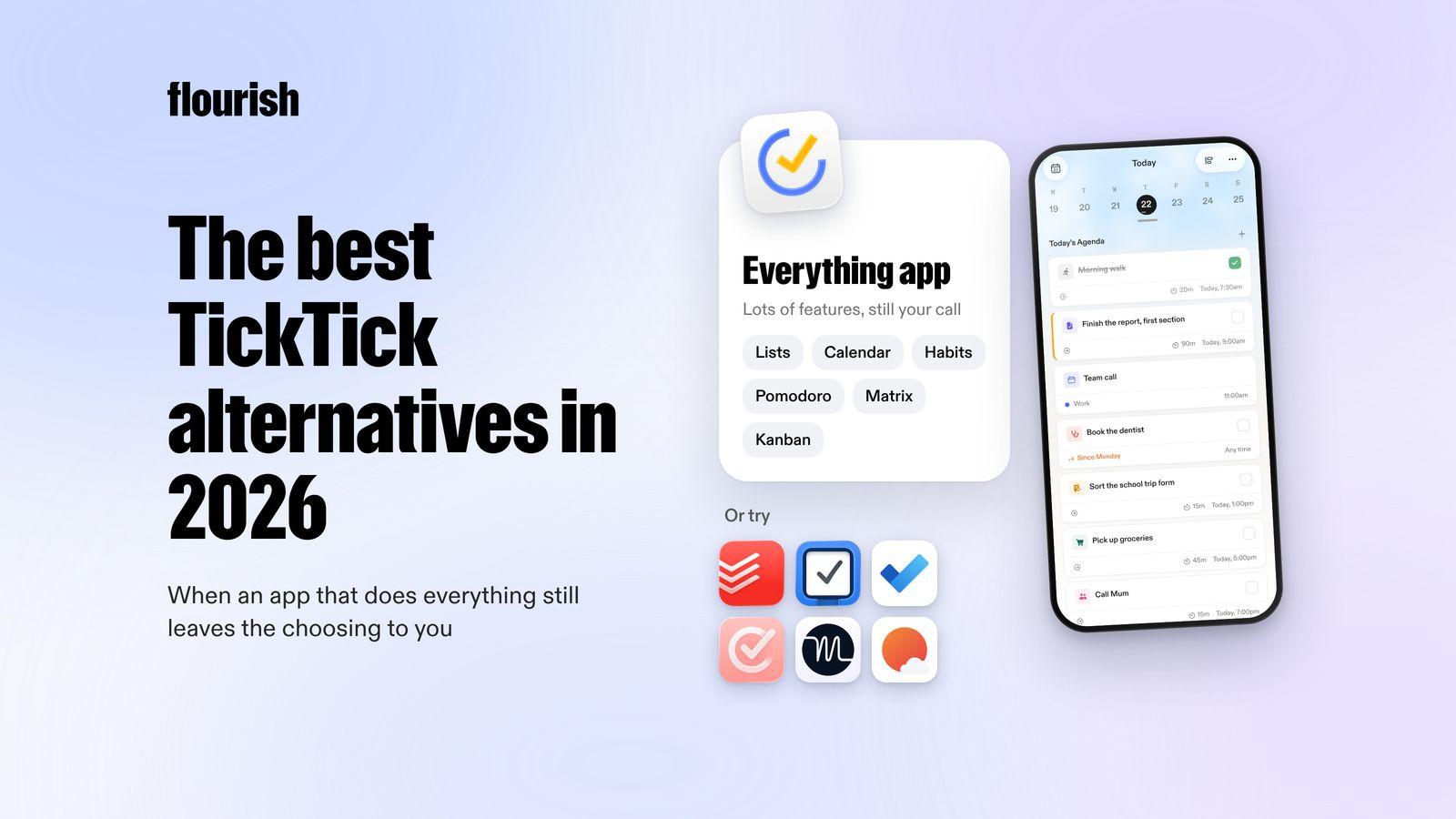
TickTick is a remarkably complete app. It puts to-dos, a calendar with many views, a habit tracker, a Pomodoro timer and an Eisenhower Matrix in one place, with Kanban and timeline views. Its AI can create tasks from your voice and break a project into steps from one instruction (TickTick). People usually look for an alternative not because TickTick lacks something, but because having everything has not made the day easier. This guide is grouped around the reasons.
Why do people look for a TickTick alternative?
TickTick gives you the tools to organise almost anything. What it cannot do is decide for you which of those things matters today. In our experience, these are the most common reasons people look elsewhere:
- Too many features. Lists, calendar, habits, matrix, timer: setting it all up becomes a project in itself.
- You still have to choose. However you sort it, the list is long and every item is waiting for a decision.
- Nothing checks in. Reminders tell you a task is due, but nobody asks how it is going or helps when you are stuck.
- You want something calmer. Some people prefer an app that does fewer things and feels quieter.
- You want the scheduling done for you, or a planning ritual that guides you through the day.

None of these mean TickTick is bad. They mean the tool and the life do not match. If long lists are the main problem, our guide to Todoist alternatives for list overwhelm goes deeper on apps that show you less.
Ranked: the best TickTick alternatives in 2026
1. Flourish: best if you want help deciding, not more features

Flourish is an AI coaching app for people with a million things in their head and no obvious place to start. Where TickTick gives you tools to organise everything, Flourish narrows it down. You talk, and ramble everything on your mind. Flourish turns that brain dump into tasks, prioritises them and gives you one clear to-do for the day, which also shows on your lock screen.
Then the coach does the part reminders cannot. Flourish reaches out proactively to help you plan, to challenge what you are about to do next and to keep you accountable. It connects your calendar, wearables and Gmail inbox, so it plans around the day you actually have, work and home included.
- Best for: people leaving TickTick because they have the perfect setup and still freeze at the start of the day.
- Platforms: iOS and Android.
- Honest limitation: it is deliberately simpler. There is no Pomodoro timer, Eisenhower Matrix or Kanban board, so if you rely on those, keep them in another app and use Flourish to choose today's priority.
Why it is our top pick: more features give you more ways to sort a list, but sorting is not the same as starting. One clear priority and a coach that follows up does more on the days that feel too full. If you like an app that reaches out to you first, our guide to AI accountability partner apps compares more options.
2. Todoist: best like-for-like task manager
Todoist is TickTick's closest rival and a little more focused. It has natural-language Quick Add, Today and Upcoming views, filters, and list, board and calendar layouts. Ramble turns what you say into tasks with dates and priorities, and it connects to Google Calendar, Outlook, Slack and AI assistants (Todoist).
- Best for: people who want a fast, dependable task manager that works on every device, without habits and timers built in.
- Platforms: iPhone, iPad, Android, Mac, Windows, Linux, web, Apple Watch and Wear OS.
- Honest limitation: it has no habit tracker or focus timer, and a long list is still a long list. See our guide to Todoist alternatives if that is the issue.
3. Things 3: best for a calm app on Apple devices
Things 3 does fewer things than TickTick and feels quieter for it. Its Today view shows your calendar events at the top and the tasks you chose underneath, with a separate This Evening list, and tasks can have checklists, headings, deadlines and reminders (Things). Recent updates added Siri support for natural requests (Things blog).
- Best for: Apple users who found TickTick cluttered and want a list that feels calm.
- Platforms: Mac, iPhone, iPad, Apple Watch and Vision Pro.
- Honest limitation: it is Apple only, with no habits, timer or AI of its own.
4. Microsoft To Do: best simple, uncluttered list
Microsoft To Do keeps things plain. My Day gives you a fresh list each morning with suggestions from your other lists, steps break big tasks down, and it works with Outlook tasks and shared lists (Microsoft To Do).
- Best for: people who want a simple daily list, especially if they already use Outlook.
- Platforms: iPhone, iPad, Apple Watch, Android, Windows, Mac and web.
- Honest limitation: it is basic by design, with no calendar view, habits or focus timer.
5. Structured: best for seeing your day as a timeline
Structured puts tasks and calendar events on one visual timeline you can drag around, with week and month views, routines, a Pomodoro timer and widgets. Structured AI turns a typed or spoken plan into tasks on your timeline (Structured).
- Best for: visual thinkers who found TickTick's many views less useful than one clear picture of the day.
- Platforms: iPhone, iPad, Mac, Apple Watch, Android and web.
- Honest limitation: you still decide what goes on the timeline. Our guide to Structured alternatives covers more options.
6. Motion: best if you want AI to schedule for you
Motion does the scheduling TickTick leaves to you. Its AI sets priorities from deadlines, durations and dependencies, time blocks tasks on a calendar that merges Google, Outlook and iCloud, and reschedules when things change. It adds projects, docs and a meeting notetaker (Motion).
- Best for: professionals with project-heavy work who want their calendar arranged for them.
- Platforms: iOS, Android, Mac, Windows and web.
- Honest limitation: it is a full work platform with a lot to set up. Our guide to Motion alternatives explains why some people leave.
7. Sunsama: best for a guided work-day ritual
Sunsama walks you through planning each working day: pull in tasks from your calendars and work tools, choose a realistic workload, timebox it and shut down at the end. It adds focus mode, a Pomodoro timer and weekly objectives, and its assistant, Sunny, can build a draft day from a brain dump (Sunsama).
- Best for: professionals who want a deliberate start and end to the working day.
- Platforms: iOS, Android, Mac, Windows, Linux and web.
- Honest limitation: the ritual takes effort and is built around work. See our guide to Sunsama alternatives.
Side by side
- Flourish: why switch: help deciding. Plans the day: picks one to-do. Follows up: yes, a proactive coach.
- Todoist: why switch: a cleaner task manager. Plans the day: you. Follows up: reminders.
- Things 3: why switch: a calmer app. Plans the day: you. Follows up: reminders.
- Microsoft To Do: why switch: a simple list. Plans the day: you, with My Day suggestions. Follows up: reminders.
- Structured: why switch: a visual day. Plans the day: you, with AI help. Follows up: notifications.
- Motion: why switch: AI scheduling. Plans the day: auto-schedules. Follows up: re-plans as things move.
- Sunsama: why switch: a guided ritual. Plans the day: you, with AI help. Follows up: daily shutdown.

Which TickTick alternative fits why you are leaving?
- "I have the perfect setup and still do not know where to start." Try Flourish. You talk, it chooses one priority, and the coach follows up.
- "I want a cleaner task manager." Try Todoist.
- "I want something calm on my iPhone and Mac." Try Things 3.
- "I just want a simple daily list." Try Microsoft To Do.
- "I think in pictures." Try Structured.
- "I want my calendar arranged for me." Try Motion.
- "I want to be guided through planning my work day." Try Sunsama.
Two apps is usually the sensible maximum: one that decides what matters and one that holds everything else. If you have tried big productivity systems before and found them too much, our guide to simpler alternatives to GTD may help too.
When is TickTick still the right choice?
For some people, the best move is to stay. TickTick is still a great fit if:
- You use the habit tracker, Pomodoro timer and calendar together and like having them in one app.
- You enjoy setting up systems such as the Eisenhower Matrix or Kanban boards.
- You want an app on almost every platform, from Windows and Linux to Apple Watch.
- A long list does not stop you, because you already know how to choose from it.
If TickTick mostly works but you still get stuck choosing what to do first, you do not have to choose between apps. Some people use Flourish to settle the one thing that matters today and keep everything else in TickTick.
The verdict
The best TickTick alternative is the one that fixes the reason you are leaving. If more features have not made the day feel easier, Flourish is our pick, because it turns a spoken brain dump into one clear priority and then checks in so it happens. Todoist is the best like-for-like task manager, Things 3 the calmest app on Apple devices, Microsoft To Do the simplest list, Structured the best visual day, and Motion the best for AI scheduling. For more AI-powered options, see our guide to the best AI planner apps.
Frequently asked questions
What is the best alternative to TickTick?
It depends on why TickTick is not working. If you want help deciding what to do first rather than more ways to organise, Flourish is a strong choice: it turns a voice brain dump into one clear to-do and has a coach that checks in. For a like-for-like task manager, try Todoist. On Apple devices, Things 3 is the calmest option.
Is Todoist better than TickTick?
They are close. TickTick includes a habit tracker, a Pomodoro timer, an Eisenhower Matrix and many calendar views in one app. Todoist is more focused on tasks and projects, with strong natural-language entry, voice capture and integrations. Choose TickTick if you want everything in one place, and Todoist if you want a cleaner task manager.
Is there a simpler app than TickTick?
Yes. Microsoft To Do is a plain list with a fresh My Day view each morning. Things 3 is a calm, simple list for Apple devices. Flourish is simpler still in a different way: you talk through everything on your mind and get one clear to-do for the day, with a coach that checks in.
Is TickTick good for ADHD?
Some people with ADHD love having lists, habits and a focus timer in one app. Others find the number of features overwhelming, and still struggle to choose what to do first. If deciding and following through are the hard parts, an app built around one clear priority and a coach that checks in, such as Flourish, may suit you better.
Which TickTick alternative has AI?
Several do, in different ways. Motion uses AI to schedule your calendar, Todoist turns what you say into tasks, Sunsama's assistant can draft your day from a brain dump, and Structured AI turns a plan into timeline tasks. Flourish uses AI to turn a spoken ramble into a prioritised plan with one clear to-do, then a coach checks in.
Keep reading

Julian
Flourishing Writer