The Best To-Do List App for ADHD (Including Free Options)
The best to-do list apps for ADHD brains, from apps that pick one task for you to free tools that break tasks down. Seven options with platforms, who each suits and honest limits.
By Julian · · 9 min read
The short version
The best to-do list app for ADHD is one that does not just hold your tasks, but helps you choose one and start it. Flourish is our top pick: you talk through everything on your mind, it turns the ramble into tasks, prioritises them, and gives you one clear to-do on your lock screen, with a coach that checks in. If you want a classic list that is fast and reliable, Todoist or TickTick. If you want an app built around ADHD strategies, Amazing Marvin. For one task at a time, Llama Life. And for free options, Goblin Tools breaks tasks into steps and Microsoft To Do is a simple, free list.
Most people with ADHD do not have a shortage of to-do lists. They have five half-abandoned ones. The problem is rarely writing tasks down. It is that a long list makes every task look equally urgent, and the brain freezes. So this guide ranks apps by how much they help with the part that actually goes wrong: choosing, starting and coming back.
Why do ordinary to-do lists fail ADHD brains?
A to-do list assumes three things: that you will remember to open it, that you can tell which item matters most, and that once you pick one, you can start it. ADHD tends to make all three harder. Common inattentive signs include forgetfulness, losing things and avoiding tasks that need sustained mental effort, which is a fair description of most to-do lists.
That is why an ADHD-friendly to-do app needs more than a tidy list:
- Fast capture, ideally by voice, so tasks leave your head before they vanish.
- Help choosing, so the list shrinks to one or a few things for today.
- Help starting, by breaking a vague task into a first step.
- Reminders that reach you, because out of sight really is out of mind.
- Follow-up, so a missed day does not quietly end the system.

If you freeze when you look at the list, our guide to ADHD paralysis explains why, and what helps in the moment.
Ranked: the best to-do list apps for ADHD
1. Flourish: best if a long list makes you freeze

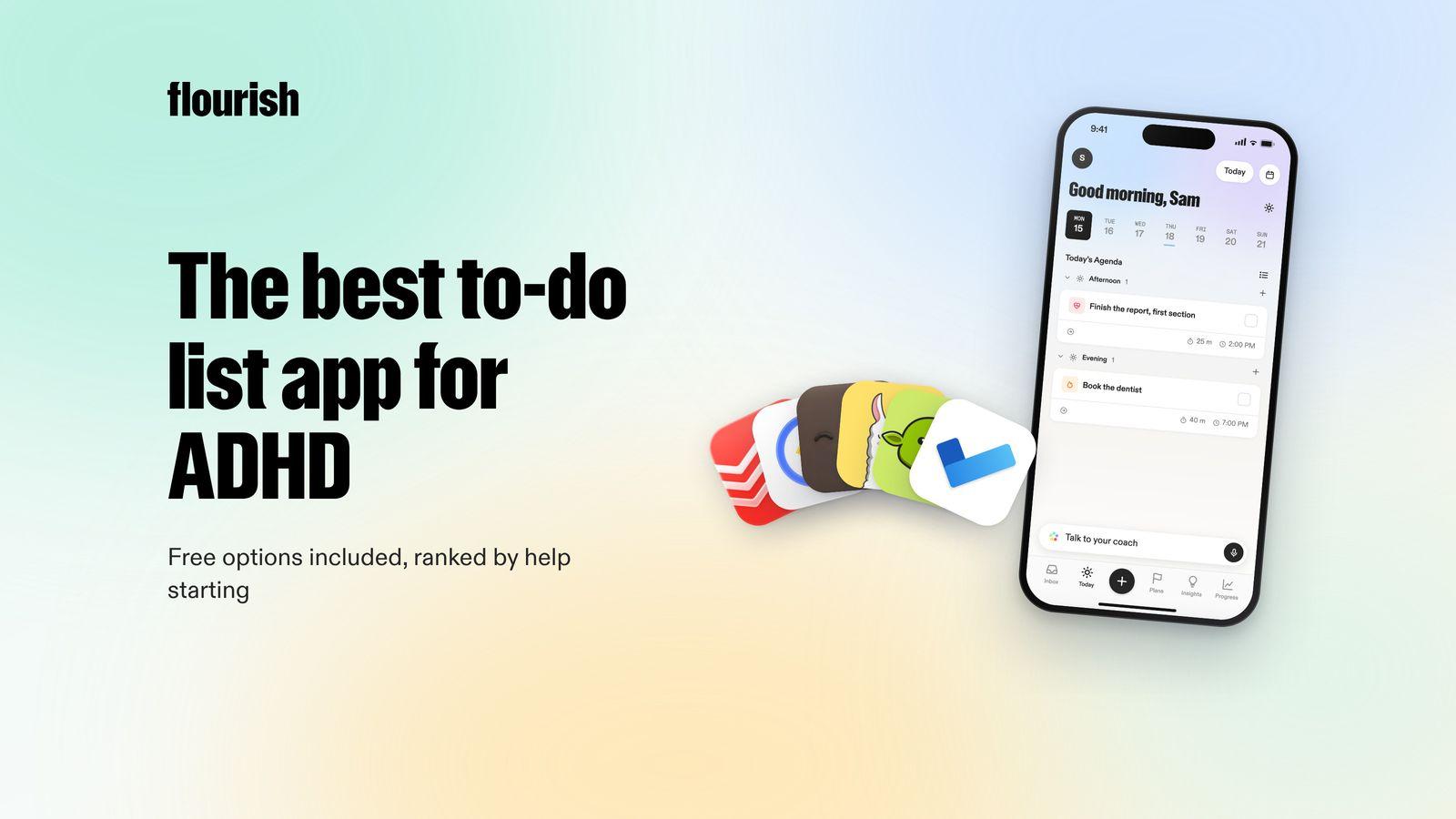
Flourish is an AI coaching app for people with a million things in their head and no obvious place to start. Instead of asking you to type and sort a list, it starts from the mess. You talk, and ramble everything on your mind. Flourish turns that brain dump into tasks, prioritises them, and gives you one clear to-do for the day. That to-do also shows on your lock screen, so the most important thing is the first thing you see.
The list never becomes a wall of overdue tasks, because Flourish has a coach that reaches out proactively to help you plan, to challenge what you are about to do next, and to keep you accountable. It connects your calendar, wearables and Gmail inbox, so it knows what your day actually looks like.
- Best for: people who have tried list apps before and keep ending up with a long list they avoid.
- Platforms: iOS and Android.
- Honest limitation: it is not a full project manager with tags, filters and boards. If you love building systems, pair it with a list app or choose one below.
Why it is our top pick: for many ADHD brains the missing step is not storage, it is deciding. One clear priority and a coach that follows up does that step for you. If you want help staying on track as well, see our guide to AI accountability partner apps.
2. Todoist: best classic list for fast capture
Todoist is a mature task manager with Today and Upcoming views, a calendar view, recurring tasks, reminders, priorities and labels. Natural language input lets you type "call the dentist tomorrow at 10" and it sets the date for you, and its AI capture turns an email, a Slack thread, a photo or a voice note into tasks. Todoist Assist turns scattered tasks into clear action plans (Todoist).
- Best for: people for whom lists mostly work, who want capture to be as quick as possible.
- Platforms: phone, tablet, watch, desktop and web.
- Honest limitation: it shows you everything due, which overwhelms many people. It will not choose today's priority or check in on you.
3. TickTick: best all-in-one list with a focus timer
TickTick combines to-do lists with a built-in Pomodoro focus timer, a habit tracker, an Eisenhower matrix for sorting by urgency and importance, and calendar views. Smart parsing picks up dates as you type, reminders can repeat until a task is done, and voice capture can create tasks and pull out dates and priorities. There is a free version (TickTick).
- Best for: people who want lists, a timer and habits in one place rather than three apps.
- Platforms: phone, computer, tablet and watch.
- Honest limitation: all those features can turn into another system to maintain. Start with the list and the timer, and switch the rest off.
4. Amazing Marvin: best for building your own ADHD system
Amazing Marvin describes itself as designed for ADHD minds. It offers "strategies" you can switch on, including Super Focus Mode (one task at a time), a Task Jar that picks a random task, a Procrastination Wizard that walks you through a stuck task, day planning with time blocking and built-in Pomodoro timers (Amazing Marvin).
- Best for: people who enjoy tinkering and want a system that fits exactly how their brain works.
- Platforms: Mac, Windows, web, iOS and Android.
- Honest limitation: with hundreds of settings, setup can become a way to procrastinate. It is a free trial rather than a free app.
5. Llama Life: best for one task at a time
Llama Life is built to help you focus on one task at a time. Every task gets its own countdown timer, the app shows the total time for your list and an estimated finish time, and finishing a task triggers a small celebration (App Store).
- Best for: people who work in short sprints and find a full list overwhelming.
- Platforms: iPhone and desktop web.
- Honest limitation: you still choose what goes on the list and in what order.
6. Goblin Tools: best free way to break tasks down
Goblin Tools is a set of small AI tools built for neurodivergent people. Magic ToDo breaks a task into steps, Estimator guesses how long something will take, and Compiler turns a typed brain dump into actions. The web version is free and ad-free, with paid iOS and Android apps (Goblin Tools).
- Best for: the moment you are staring at "sort out the spare room" and cannot see step one.
- Platforms: web, iOS and Android.
- Honest limitation: the developer is clear that output is guesswork and quality varies. It does not plan your day or follow up. See our roundup of Goblin Tools alternatives if you need more.
7. Microsoft To Do: best simple free list
Microsoft To Do is a free list app. My Day gives you a fresh daily list with suggestions for what to add, you can break tasks into steps with due dates and reminders, share lists with family or colleagues, and it works with Outlook Tasks (Microsoft).
- Best for: people who want something simple and free, especially if they already use Outlook.
- Platforms: Windows, iPhone, Android and web.
- Honest limitation: it is a plain list. It will not choose for you, break tasks down or follow up.
Side by side
- Flourish: helps you choose: picks one to-do. Helps you start: coach and one priority. Follows up: yes, a proactive coach.
- Todoist: helps you choose: priorities you set. Helps you start: AI action plans. Follows up: reminders.
- TickTick: helps you choose: Eisenhower matrix. Helps you start: focus timer. Follows up: repeating reminders.
- Amazing Marvin: helps you choose: Task Jar and strategies. Helps you start: Procrastination Wizard. Follows up: reminders.
- Llama Life: helps you choose: you order the list. Helps you start: a timer per task. Follows up: chimes during a task.
- Goblin Tools: helps you choose: no. Helps you start: Magic ToDo steps. Follows up: no.
- Microsoft To Do: helps you choose: My Day suggestions. Helps you start: steps you add. Follows up: reminders.

What is the best free to-do list app for ADHD?
If you want to spend nothing, combine two free tools rather than looking for one that does everything:
- Goblin Tools on the web to break a daunting task into small steps.
- Microsoft To Do or TickTick's free version to hold the list and remind you.
That covers capture, breakdown and reminders. What free list apps rarely do is choose for you or check in when you go quiet, and for many people that is the part that decides whether the system lasts beyond a week. Our guide to the best ADHD apps for adults covers tools beyond to-do lists if you want the wider picture.
How to make any to-do app work with ADHD
- Keep one inbox. Capture everything in one place, even if you sort it elsewhere.
- Pick no more than three things for today, and one of them first.
- Write the first physical step, not the project: "open the form" rather than "do the tax return".
- Put the one thing where you will see it: a widget, the lock screen, a sticky note.
- Expect to fall off. Plan the restart, not a perfect streak.
If planning the day is where it breaks down, our roundup of ADHD planner apps compares tools that handle the scheduling side.
The verdict
The best to-do list app for ADHD is the one that gets you from a long list to one started task. If a long list makes you freeze, Flourish is our pick, because it turns a spoken brain dump into one clear to-do and then checks in so it happens. Todoist and TickTick are the best classic lists, Amazing Marvin is best for building your own ADHD system, Llama Life is best for one task at a time, and Goblin Tools and Microsoft To Do are the best free options.
Frequently asked questions
What is the best to-do list app for ADHD?
It depends on where things break down. If a long list makes you freeze, Flourish is a strong choice because it turns a voice brain dump into one clear to-do and has a coach that checks in. If lists mostly work for you, Todoist or TickTick are fast and reliable. Amazing Marvin suits people who want to build their own ADHD system.
Is there a free to-do list app for ADHD?
Yes. Goblin Tools is free and ad-free on the web and breaks tasks into small steps. Microsoft To Do is a free list app with a daily My Day view and reminders, and TickTick has a free version with a focus timer. Pairing a free breakdown tool with a free list covers most of the basics.
Why do I keep abandoning to-do list apps?
Usually because the list grows faster than you can clear it, and every item starts to look urgent. Opening the app begins to feel bad, so you stop opening it. Apps that shrink the list to one priority, remind you where you will see it and follow up after a missed day are easier to stick with.
Should I use a to-do list or a planner for ADHD?
Many people need a little of both: a list to catch everything, and something that decides what happens today. A list on its own tends to grow, and a planner on its own needs constant rebuilding. Apps like Flourish combine capture with choosing one priority, which removes the step most people skip.
Can a to-do list app help with ADHD paralysis?
It can help if it reduces choices rather than adding them. Breaking a task into a first step, showing one task at a time or having something pick the priority for you all make starting easier. A long, colour-coded list usually does the opposite. Professional support is worth considering if paralysis affects daily life.
This article is for general information and is not medical advice.
Keep reading

Julian
Flourishing Writer