The Best AI Planner Apps in 2026, Compared for Real Days
Seven AI planner apps compared by what the AI actually does: decide what matters, schedule your calendar, or build your timeline. With platforms, who each suits and honest limits.
By Julian · · 10 min read
The short version
The best AI planner app depends on which part of planning you want the AI to take off you. If the hard part is deciding what matters when everything feels urgent, Flourish is our top pick: you talk through everything on your mind, it sorts and prioritises it into one clear to-do, and a coach checks in so the plan actually happens. If you want an AI to fit tasks into a packed work calendar, choose Motion or Reclaim.ai. If you want an AI to suggest a daily plan across several calendars, Morgen. If you want a visual timeline built for you, Tiimo or Structured. And if you mainly want a smarter to-do list, Todoist.
"AI planner" has become a label on almost every productivity app, and the apps behind it do very different jobs. Some decide for you. Some move blocks around your calendar. Some draw your day as a timeline. This guide sorts them by that job, so you can pick the one that fits the way your days really go, not the way they look in a demo.
What does an AI planner app actually do?
Most AI planner apps fall into three groups. Knowing which one you need saves a lot of trial and error.
- AI that decides. You hand over the mess and the app works out what matters today. This suits people whose problem is too much in their head, not too little time on the calendar.
- AI that schedules. You give it tasks with durations and deadlines, and it places them in the gaps between meetings, then reshuffles when things move. This suits people with calendar-heavy work weeks.
- AI that builds your timeline. You type or speak your plans and the app turns them into a visual schedule. This suits people who think in pictures and like seeing time.

Plenty of people also try a general chatbot first. That can work, and our guide on how to use ChatGPT to plan your day has prompts that do. The catch is that a chatbot plans when you open it and ask. A dedicated AI planner keeps hold of your tasks, and the best ones come back to you.
Ranked: the best AI planner apps in 2026
1. Flourish: best AI planner for deciding what matters

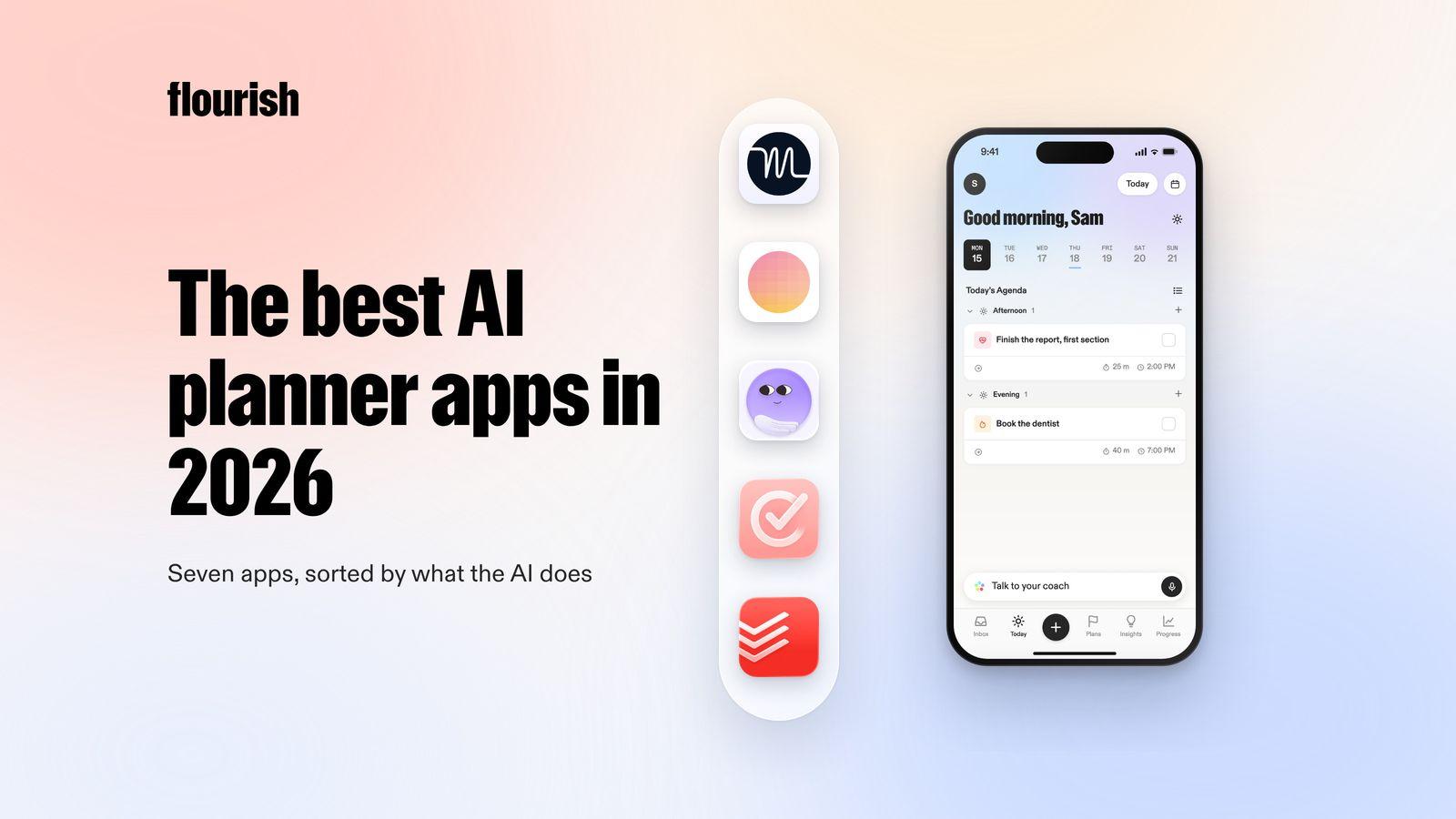
Flourish is an AI coaching app for people with a million things in their head and no obvious place to start. Instead of asking you to fill in a planner, it starts from the mess. You talk, and ramble everything on your mind. Flourish turns that brain dump into tasks, prioritises them, and gives you one clear to-do for the day. That to-do also shows on your lock screen, so the most important thing is the first thing you see.
The planning does not stop there. Flourish has a coach that reaches out proactively to help you plan, to challenge what you are about to do next, and to keep you accountable. It connects your calendar, wearables and Gmail inbox, so the plan reflects the day you actually have, not an empty one.
- Best for: people who lose the morning deciding where to start, and want an AI that picks the priority and follows up.
- Platforms: iOS and Android.
- Honest limitation: it does not auto-schedule every task into calendar slots, and it is not a team project tool. If you need a calendar packed hour by hour, pair it with a scheduler.
Why it is our top pick: most AI planners assume you already know what matters and only need help placing it. For many people that is backwards. When every task feels equally urgent, one clear priority and a coach that checks in does more than a perfectly arranged calendar. If accountability is the part you are missing, our guide to AI accountability partner apps goes deeper.
2. Motion: best for auto-scheduling a busy work calendar
Motion's AI Calendar combines your Google, Outlook and iCloud calendars, plans your day automatically and re-plans when things change (Motion). Around that it adds an AI Task Manager, an AI Project Manager, meeting booking pages, an AI meeting notetaker and docs, and it is built for individuals through to large teams.
- Best for: people whose week is full of meetings and deadlines, who want tasks placed in the gaps for them.
- Platforms: iOS, Android, macOS, Windows and web (Motion downloads).
- Honest limitation: it is a full work platform, so there is a lot to set up, and scheduling works best when every task has a duration and a deadline. It will not tell you which of your personal to-dos matters most today.
3. Reclaim.ai: best AI scheduler that lives in your calendar
Reclaim.ai works inside your Google or Outlook calendar. It schedules tasks by priority, protects a weekly goal for focus time, fits flexible habits (like a gym session or lunch) into open time, adds buffer time around meetings and offers scheduling links (Reclaim.ai). It also syncs tasks from tools like Asana, ClickUp, Jira, Linear, Todoist and Google Tasks.
- Best for: people who already live in Google Calendar or Outlook and want their time defended automatically.
- Platforms: web app and a Google Calendar add-on.
- Honest limitation: it is built around a work calendar and works with Google and Outlook only. Its site lists no phone app, so on the go you mostly see its work through your calendar.
4. Morgen: best for planning across several calendars
Morgen brings Google, Outlook, Apple, Fastmail and other calendars into one view. Its AI Planner recommends a daily plan, reprioritises when conflicts come up and flags tasks at risk of missing a deadline, and you can guide it with reusable weekly templates it calls Frames (Morgen). Tasks can come from Notion, ClickUp, Linear and Todoist, or Morgen's own task list.
- Best for: people juggling work, side projects and family calendars who want one daily plan across all of them.
- Platforms: Windows, Mac, Linux, web and mobile.
- Honest limitation: you still bring the tasks and the estimates. It is a planning cockpit for organised people more than a way out of overwhelm.
5. Tiimo: best AI planner for a visual day
Tiimo turns your schedule into a colourful visual timeline. Its AI co-planner lets you type or speak your tasks, then breaks them down, estimates how long they take and organises them into a schedule, and a focus timer shows time passing (Tiimo). It is designed with ADHD and autism in mind.
- Best for: visual thinkers who find it calming to see the day laid out.
- Platforms: iOS, iPadOS, watchOS, Android and web.
- Honest limitation: a timeline still has to survive the day. If your plans rarely hold, rebuilding it can become a job of its own. Our guide to Tiimo alternatives covers what people switch to.
6. Structured: best simple AI timeline
Structured combines tasks, to-dos and calendar events into one vertical timeline, with weekly and monthly views, calendar import, notes and widgets (Structured). Structured AI can build a schedule from a sentence you type (App Store).
- Best for: people who want a clean, fast day planner with a little AI help.
- Platforms: iPhone, Apple Watch and web, with an Android app too.
- Honest limitation: the AI helps you fill the timeline, but you still decide what goes in it and in what order.
7. Todoist: best AI to-do list
Todoist is a mature task manager with Today and Upcoming views, a calendar view, recurring tasks, reminders, priorities and labels. Its AI-powered capture turns an email, a Slack thread, a photo or a voice note into tasks, and Todoist Assist turns scattered tasks into clear action plans (Todoist).
- Best for: people for whom lists already work, who want faster capture and help breaking projects down.
- Platforms: phone, tablet, watch, desktop and web.
- Honest limitation: it is a list first, not a planner. It shows you everything due, which overwhelms many people, and it does not decide what matters today.
Side by side
- Flourish: AI type: decides. Starts from: a spoken brain dump. Comes back to you: yes, a proactive coach.
- Motion: AI type: schedules. Starts from: tasks with deadlines. Comes back to you: re-plans the calendar.
- Reclaim.ai: AI type: schedules. Starts from: your calendar and task tools. Comes back to you: through your calendar.
- Morgen: AI type: suggests a plan. Starts from: your calendars and tasks. Comes back to you: flags at-risk tasks.
- Tiimo: AI type: builds a timeline. Starts from: typed or spoken tasks. Comes back to you: timers and widgets.
- Structured: AI type: builds a timeline. Starts from: a typed sentence. Comes back to you: notifications.
- Todoist: AI type: smarter list. Starts from: emails, notes and voice. Comes back to you: reminders.

AI planner, AI to-do list or AI task manager: what is the difference?
The names overlap, but the job is different.
- An AI to-do list or task manager (Todoist, for example) captures and organises tasks. It answers "what is on my plate?"
- An AI scheduler (Motion, Reclaim.ai) answers "when will I do it?" by placing tasks on your calendar.
- An AI planner in the fuller sense answers "what should I do today, and did I do it?" That means choosing, not just storing or slotting, and coming back to check.
If your list is already under control and time is the constraint, a scheduler is the right buy. If your list is the problem, a scheduler just moves the overwhelm onto your calendar. For people with ADHD the difference is bigger still, and our roundup of ADHD planner apps looks at planners through that lens.
Which AI planner fits your days?
- "I do not know where to start." Try Flourish. Talk it out, get one priority, and let the coach follow up.
- "My calendar is full and tasks never fit." Try Motion, or Reclaim.ai if you would rather keep your own calendar app.
- "I have three calendars and no single view." Try Morgen.
- "I need to see my day to believe it." Try Tiimo or Structured.
- "I just want my list to be smarter." Try Todoist.
- "I like a calm daily planning ritual for work." Sunsama is built for that, though it leans on you rather than AI. Our guide to Sunsama alternatives compares it with the tools above.
Two apps is usually the sensible maximum: one that decides what matters and one that places it in time.
The verdict
The best AI planner is the one whose AI does the part you find hardest. If deciding is the hard part, Flourish is our pick, because it turns a spoken brain dump into one clear priority and then checks in so it happens. Motion is the strongest all-round scheduler for busy work calendars, Reclaim.ai is the lightest way to let AI defend your time inside Google Calendar or Outlook, Morgen is best across several calendars, Tiimo and Structured are the best visual planners, and Todoist is the best AI to-do list.
Frequently asked questions
What is the best AI planner app?
It depends on what you want the AI to do. Flourish is best if you want help deciding what matters, because it turns a voice brain dump into one clear to-do and has a coach that checks in. Motion and Reclaim.ai are best for auto-scheduling a busy work calendar. Tiimo and Structured are best for a visual timeline.
Can an AI planner schedule my day automatically?
Yes, some can. Motion plans your day on your calendar and re-plans when things change, and Reclaim.ai places tasks, habits and focus time into open slots in Google Calendar or Outlook. Both work best when tasks have durations and deadlines. If you are unsure what matters in the first place, an app that helps you choose may help more.
Is ChatGPT a good AI planner?
ChatGPT can turn a messy list into a sensible plan if you give it a good prompt, and it is a useful place to start. It plans when you ask, though. A dedicated AI planner keeps your tasks between conversations, and apps like Flourish reach out on their own to check in, which matters if you tend to forget to open a planner.
What is the difference between an AI planner and an AI to-do list?
An AI to-do list captures and organises your tasks, so it tells you what is on your plate. An AI planner helps decide what to do and when, either by choosing a priority for today or by placing tasks on your calendar. Many people use one of each: a list to collect everything and a planner to choose.
Which AI planner is best for ADHD?
Many people with ADHD find the hardest part is starting, not scheduling. Flourish is built for that moment: you talk, it picks one clear to-do and a coach follows up. Tiimo is a strong choice for visual thinkers and was designed with neurodivergent people in mind. A packed auto-scheduled calendar suits some people and overwhelms others.
Keep reading

Julian
Flourishing Writer