How to Use ChatGPT to Plan Your Day (Prompts That Work, and When a Dedicated AI Planner Is Better)
A 10-minute morning routine and six copy-and-paste prompts for planning your day with ChatGPT, plus the honest limits, and the point where a dedicated AI planner or coach does it better.
By Julian · · 10 min read
The short version
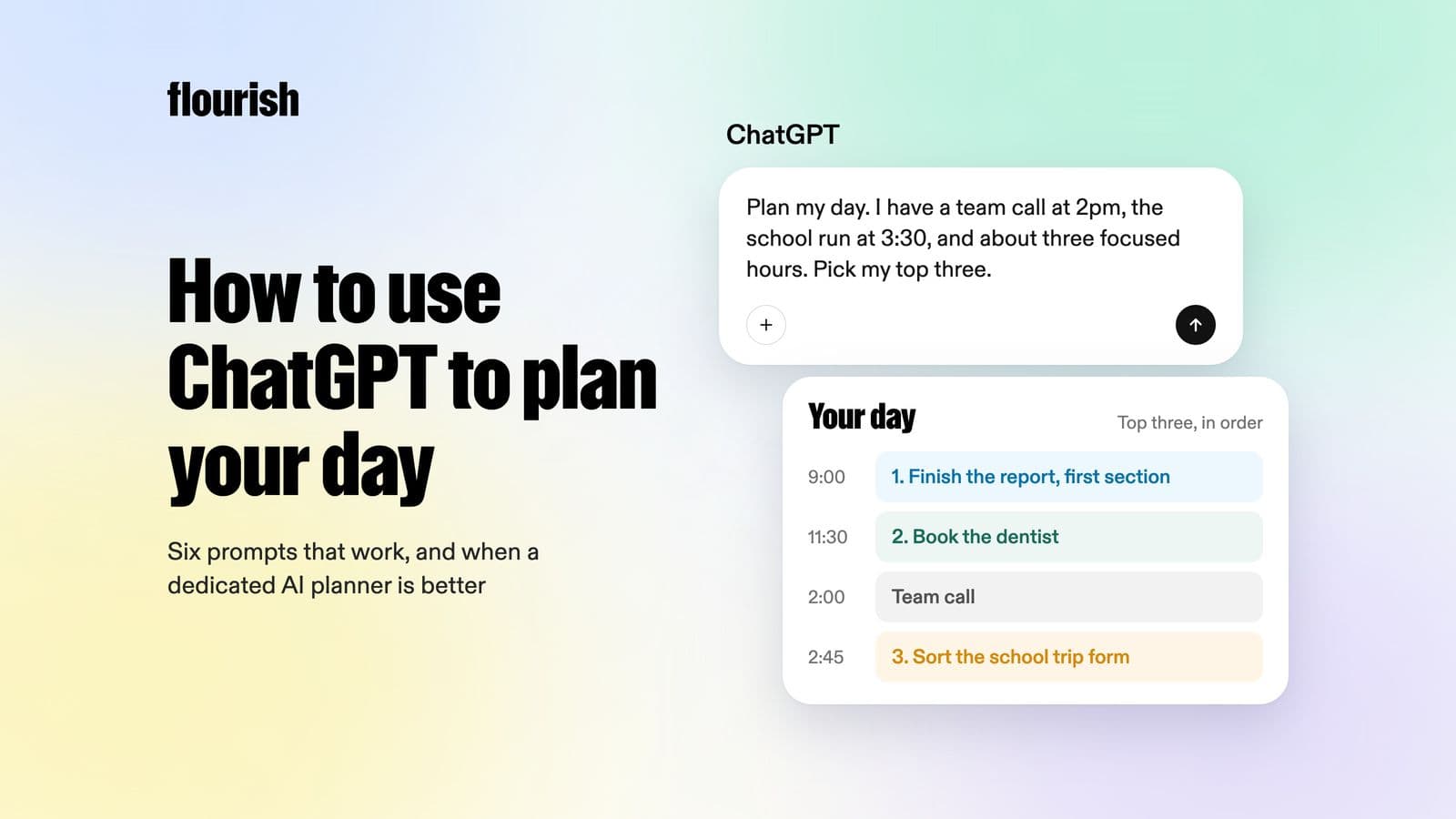
To plan your day with ChatGPT, dump everything on your mind into one message, tell it your fixed commitments and energy, and ask it to pick your top three priorities and a realistic order, with a first step for each. The six prompts below do exactly that. ChatGPT is good at this reasoning, but it will not hold the plan for you: it forgets what you did not tell it, it only reaches out through scheduled tasks you set up (five at a time on Plus), and you have to start every session. If you keep skipping the morning chat, a dedicated AI planner or coach such as Flourish, which turns a voice brain dump into one clear to-do and checks in on it, will do more for you than a better prompt.
Searches for "ChatGPT planner" have grown by more than 80% in the past year. It makes sense. Planning a day is mostly a sorting problem: too many things, not enough time, and a brain that has already made fifty small decisions before breakfast. Handing that sorting to an AI is a genuinely good idea.
The catch is that planning a day once is easy. Planning it every day, then adjusting it when the day goes sideways, is where most systems quietly die. This guide gives you the prompts, a routine that takes ten minutes, and a clear view of where ChatGPT stops being the right tool.
The 10-minute ChatGPT morning plan
You need one chat thread, ideally a ChatGPT Project called something like "Daily plan", so the context builds up in one place. Then work through four steps.
- Dump (3 minutes). Type or dictate everything in your head: work tasks, life admin, worries, errands, the thing you keep forgetting. Do not organise it. Messy is fine and faster.
- Constrain (1 minute). Tell ChatGPT your fixed commitments, how many focused hours you really have, and your energy today. "School run 8:15, meetings 10 to 12, I slept badly" is plenty.
- Decide (3 minutes). Ask it to pick the top three, sequence them against your constraints, and park the rest. Push back if something feels wrong. You are the editor.
- Commit (3 minutes). Turn each priority into a first step you can start in under five minutes, and an if-then plan for the moment you will do it.

That last step matters more than it looks. A meta-analysis of 94 studies found that specific if-then plans ("when X happens, I will do Y") had a medium-to-large effect on reaching goals (Gollwitzer and Sheeran, 2006). ChatGPT is very good at helping you write them.
Six ChatGPT prompts for planning your day
Copy these into ChatGPT and replace the brackets.
1. The brain dump sorter
Here is everything on my mind today, in no order: [paste or dictate]. Sort it into: must do today, should do this week, can wait, and can let go. Be ruthless. Ask me up to three questions if anything is unclear.
Use this first. It turns a wall of text into categories, and the "let go" bucket is quietly the most useful.
2. The realistic day
My fixed commitments today are [list with times]. I have about [X] hours of focused time and my energy is [high, medium, low]. From my "must do today" list, choose a maximum of three priorities and put them in a realistic order with rough timings. Leave 30% of the day unplanned for things going wrong.
The 30% buffer is the difference between a plan and a fantasy.
3. The first-step breaker
For each of my three priorities, give me the very first physical action, something I could start in under five minutes. Then write an if-then plan for when I will do it, for example: "When I sit down after the school run, I will open the invoice spreadsheet."
This is where procrastination gets defused. Big tasks do not get started. Tiny first steps do.
4. The "one thing" decider
If I only get one thing done today, which of these will make the rest of the week easiest? Explain in two sentences, then tell me what I can safely ignore until tomorrow.
Useful on bad days, when three priorities is two too many.
5. The midday reset
It is [time]. Here is what actually happened this morning: [notes]. Replan the afternoon. Keep the one most important thing and move or drop the rest. No guilt, just a new plan.
Most people abandon a plan the moment it breaks. A two-minute replan saves the day.
6. The evening shutdown
Here is what I did today: [list]. Here is what did not get done: [list]. Tell me what to carry over, what to drop, and the single first thing I should do tomorrow morning. Keep it under 80 words.
Writing tomorrow's first step before bed also clears your head. In a sleep-lab study, people who wrote a to-do list at bedtime fell asleep faster than those who wrote about tasks they had already completed (Scullin et al., 2018).
Make it stick: memory, Projects and scheduled tasks
Three ChatGPT features make the routine easier:
- Memory. With memory switched on, ChatGPT can recall saved facts about you and reference past chats. Tell it your standing commitments once ("I work Monday to Thursday, school run at 8:15") so you do not repeat them daily. You can view and delete memories in Settings under Personalization.
- Projects. Keeping every daily plan in one Project gives ChatGPT the recent history, so it can spot that the same task has been carried over four days running.
- Scheduled tasks. You can ask ChatGPT to message you at a set time, for example "Every weekday at 7:30, ask me for my brain dump and constraints". Results arrive as a push notification or email. The limits: 3 active tasks on Free and Go, 5 on Plus and 15 on Pro, and free tasks can run at most once a day (OpenAI Help Center).
The limits of ChatGPT as a daily planner
ChatGPT is a thinking tool. Using it as a planner exposes five gaps:
- You have to start every time. OpenAI retired Pulse, its proactive morning briefing, in June 2026, moving that job to scheduled tasks. A scheduled prompt can ask the question, but it cannot notice that your week has gone off track and step in.
- The plan does not live anywhere. Your top three sit in a chat thread. They are not on your lock screen, in a list you can tick off, or waiting for you at 3pm when you have lost the thread.
- It only knows what you type. No calendar, no energy data, no memory of the promise you made on Monday unless it happens to be in the chat history.
- Replanning is manual. When the day breaks, you have to remember to go back and ask.
- It is generic. There is no built-in method for prioritising or following up. The quality of the plan depends on the quality of your prompt, every day.
None of this makes ChatGPT a bad choice. It makes it a great choice for people who already have a daily planning habit and want a smarter assistant for it. For people who are looking for help because the habit keeps breaking, it is the wrong shape. And if the real problem is freezing when everything feels urgent, start with getting unstuck from ADHD paralysis.
When a dedicated AI planner or coach is better
Switch from prompting ChatGPT to a dedicated tool when any of these is true:
- You have set up the morning routine three times and it has lasted a week each time.
- Most of your planning happens in your head while you are walking, driving or doing the school run, not at a keyboard.
- Your problem is not choosing priorities, it is remembering them at 2pm.
- You want something to check in on you, not the other way round.
The dedicated tools split into two camps: calendar schedulers that slot tasks into time, and coaches that help you decide what matters and keep you on it.

Flourish: best for planning from what is in your head

Flourish replaces the whole four-step routine with one habit. You talk to it like a friend, dumping everything on your mind by voice. It sorts that into tasks, prioritises them and gives you one clear to-do for the day, which sits on your phone's lock screen. Then it does what ChatGPT will not: it reaches out to help you plan, challenges what you are about to spend time on, and checks in when things slip. It can connect your calendar and wearables so the plan fits your real day. It does not read your email or act on your behalf.
Motion: best for auto-scheduling a packed work calendar
Motion combines tasks, calendar, projects and docs, and automatically schedules your tasks into open calendar time, rearranging when meetings move. Best for people whose day is defined by meetings and project deadlines.
Sunsama: best for a calm, guided daily planning ritual
Sunsama walks you through a morning planning ritual and an end-of-day shutdown, pulling tasks in from more than 20 tools. It runs on desktop and mobile. Best for knowledge workers who like the ritual and live in their laptop.
Reclaim.ai: best for protecting time in Google or Outlook calendars
Reclaim automatically schedules tasks, habits, focus time and breaks into your Google or Outlook calendar. Best for people who want their calendar to defend itself.
Todoist with Ramble: best if you already live in a to-do list
Todoist's AI features, branded Todoist Assist, include Ramble, which turns speech into tasks with dates and priorities, and Task Assist, which breaks work into next steps. Best for list people who want faster capture.
Quick comparison
- ChatGPT: plans from whatever you type. Reaches out first only via tasks you schedule. Plan lives in a chat thread.
- Flourish: plans from a voice brain dump. Reaches out first with coaching check-ins. One clear to-do on your lock screen.
- Motion: plans from tasks and your calendar. Reschedules automatically. Plan lives in your calendar.
- Sunsama: plans through a guided ritual. Nudges you to plan and shut down. Plan lives in its daily view.
- Reclaim.ai: plans from your calendar and habits. Defends time automatically. Plan lives in Google or Outlook.
- Todoist: plans from lists and voice (Ramble). Reminders you set. Plan lives in your task list.
Which should you use?
- Use ChatGPT if you enjoy a daily planning moment at a keyboard and want the smartest free thinking partner for it.
- Use Flourish if your head is the bottleneck, you would rather talk than type, and you want something that follows up with you.
- Use Motion or Reclaim if your day is a calendar problem.
- Use Sunsama if you want a structured ritual and work mostly at a desk.
- Use Todoist if you already have a task system and just want quicker capture.
Plenty of people combine them: ChatGPT for a big weekly think, and a coach app for the daily loop. Our guide to the best AI life coach apps covers that side in more depth.
Frequently asked questions
Can ChatGPT plan my day?
Yes. Give it everything on your mind, your fixed commitments and your energy, and ask it to choose up to three priorities in a realistic order with a first step for each. It is good at the reasoning. It will not hold the plan for you or check in unless you set up scheduled tasks.
What is the best ChatGPT prompt for daily planning?
Start with a brain dump sorter: paste everything on your mind and ask ChatGPT to sort it into must do today, this week, can wait and let go. Then ask it to pick a maximum of three priorities that fit your fixed commitments, with 30% of the day left unplanned.
Can ChatGPT remind me to do things?
Yes, through scheduled tasks. You can ask it to message you at a set time, once or on repeat. Free and Go users can have 3 active tasks, Plus users 5 and Pro users 15, and results arrive by push notification or email.
Is there an AI that plans your day for you?
Yes. Calendar schedulers such as Motion and Reclaim slot tasks into your calendar automatically. Coach apps such as Flourish take a voice brain dump, sort and prioritise it, give you one clear to-do for the day and check in to keep you on track.
Is ChatGPT or a planner app better for ADHD?
It depends on whether starting the planning session is the hard part. Many adults with ADHD find the reasoning in ChatGPT helpful, but struggle to open it every day. An app that captures thoughts by voice and reaches out first can remove that step. See the best ADHD apps for adults.
Does ChatGPT remember my tasks?
Only partly. With memory on, it can recall saved facts and reference past chats, and keeping plans in one Project helps. But it does not keep a live task list or know what you finished unless you tell it.
Keep reading

Julian
Flourishing Writer