How to Use AI for ADHD: Prompts, Tools and Limits
AI is useful for ADHD brains when it takes on the jobs that drain executive function: sorting a ramble, breaking tasks down, choosing what to do first and checking in. Here are prompts that work, the tools to try and the limits to know.
By Julian · · 8 min read
The short version
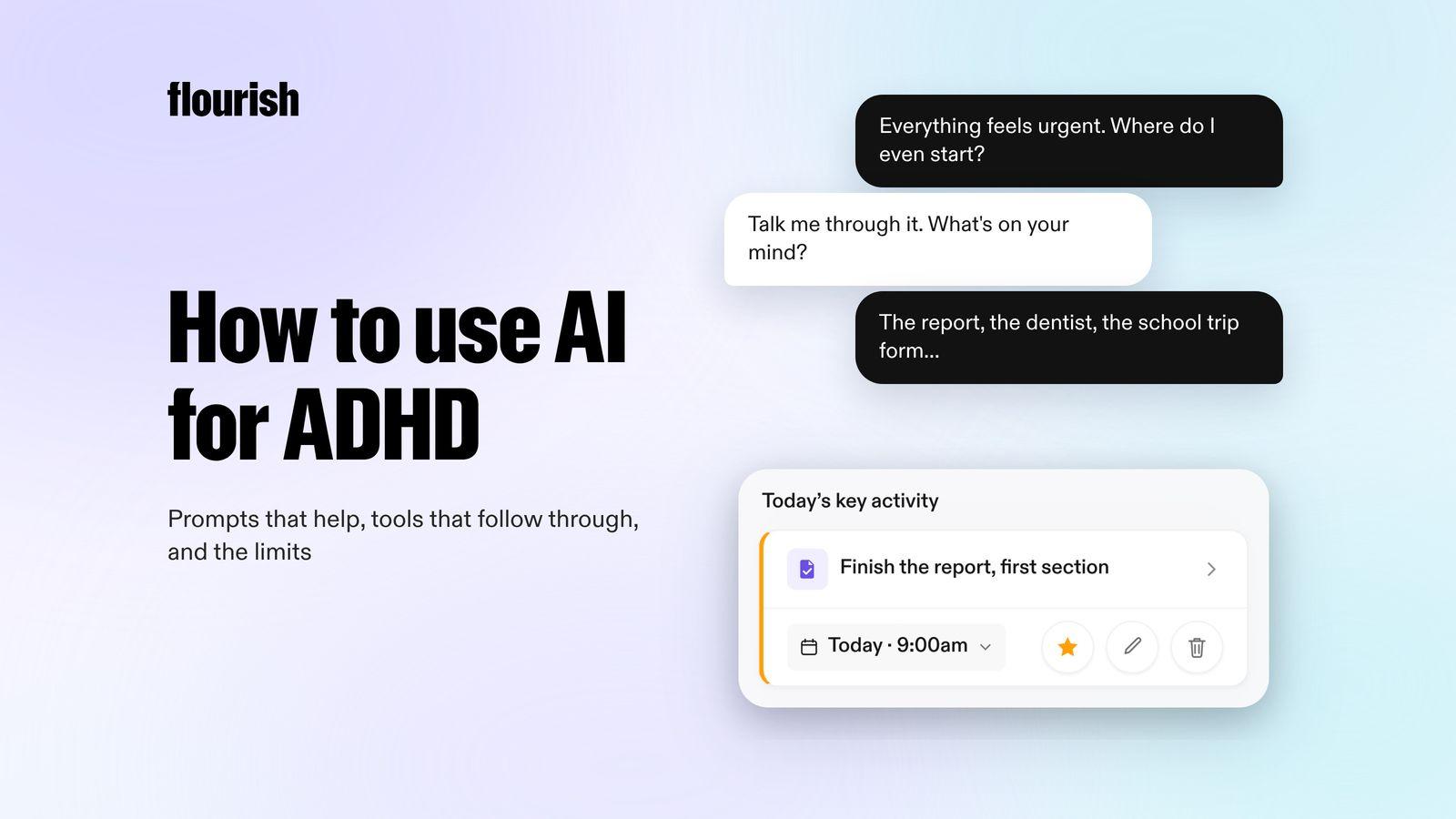
AI helps most with ADHD when you give it the jobs that drain executive function: turning a messy brain dump into a list, breaking a big task into small steps, choosing one thing to do first, drafting the message you have been avoiding, and checking in later. A general chatbot like ChatGPT can do the first four if you ask well. A dedicated app can do all five without being asked. Flourish is our top pick for that: you talk through everything on your mind, it turns it into a prioritised plan with one clear to-do, and a coach checks in so the plan does not depend on you remembering to open an app.
AI is not a treatment for ADHD, it can be confidently wrong, and what you type into it may be stored. Used with those limits in mind, it can take a surprising amount of friction out of the day.
Can AI actually help with ADHD?
For many people, yes, as a support. CHADD's Attention magazine describes adults using AI to break down tasks, find a first step and draft emails, while noting that experts caution it should not replace treatments like medication or behavioural therapy. ADDitude has collected readers' stories of using ChatGPT as a cognitive collaborator for planning and getting started.
The research is early and small, but it points the same way. A University of Bristol diary study of 13 adults with ADHD who used ChatGPT found they used it to support executive function and emotional regulation, and to translate between neurotypical and neurodivergent ways of communicating. A Virginia Tech study of posts from 61 neurodivergent online communities found productivity was one of five main themes, alongside worries about over-reliance and responses that felt too neurotypical. None of this proves AI improves ADHD symptoms. It does suggest people are finding it genuinely useful for specific jobs.
Five jobs AI does well for ADHD brains
In our experience, AI earns its place when it does a job that would otherwise stall you:
- Sort the ramble. Turn everything in your head into a clear list.
- Break it down. Turn a vague task like "sort the garage" into steps small enough to start.
- Pick one thing. Choose what matters today when everything feels urgent.
- Draft the dreaded message. Get a first version of the email or text you keep avoiding.
- Check in. Come back later to ask how it went, which a chatbot will not do unless you set it up.

Prompts that work
You can paste these into ChatGPT, Claude or Gemini. Talking rather than typing often works better: most chatbots have a voice mode, and ChatGPT's works on iPhone, Android and the web (OpenAI).
For a brain dump
"I'm going to tell you everything on my mind. Turn it into a list of tasks, group anything that belongs together, and ask me about anything that is too vague to act on. Don't give me advice yet." Then talk or type without editing yourself. Our step-by-step guide on how to do a brain dump covers what to do with the list afterwards.
For breaking down a task
"Break 'finish the expenses' into steps that each take ten minutes or less. Make the first step so small it feels silly." Ask for a smaller first step if it still feels hard to start.
For choosing what to do first
"Here is my list. I have about four hours of real energy today. Pick the one task that would make today feel like a win, and tell me why in one sentence. Then give me two backups." Asking for one choice rather than a ranked list matters: a ranked list of twelve is still twelve decisions.
For getting unstuck
"I have been avoiding this for a week. Help me start it in the next five minutes. Ask me one question at a time." This works well alongside the techniques in our guide to ADHD paralysis.
For a message you are dreading
"Draft a short, friendly reply to this email. I need to say no to the extra project without sounding difficult." Edit the draft before you send it: it is a starting point, not your voice.
If you want a full daily routine built from prompts, our guide on how to use ChatGPT to plan your day has six that work together.
The best AI tools for ADHD
1. Flourish: best if you want the AI to come to you

Flourish is an AI coaching app for people with a million things in their head and no obvious place to start. You talk, and ramble everything on your mind. Flourish turns that ramble into tasks, prioritises them, and gives you one clear to-do for the day, which also shows on your lock screen.
The difference from a chatbot is that you do not have to remember to ask. Flourish reaches out proactively to help you plan, to challenge what you are about to do next, and to keep you accountable. It connects your calendar, wearables and Gmail inbox, so it plans around the day you actually have.
- Best for: the sort, pick and check-in jobs, when opening a blank chat is itself the hard part.
- Platforms: iOS and Android.
- Honest limitation: it is a coach and planner, not a general chatbot. For drafting a long document or researching a topic, use a chatbot alongside it.
2. ChatGPT: best all-rounder if you will do the asking
ChatGPT can handle every prompt above. Projects keep related chats, files and instructions together, so you can set up a "planning" project with your standing instructions (OpenAI), and Tasks can send scheduled reminders on some plans (OpenAI).
- Best for: flexible help with anything, from breaking down tasks to drafting messages.
- Honest limitation: it starts from a blank box. You have to remember to open it, and know what to ask.
3. Goblin Tools: best free help with single tasks
Goblin Tools is a set of small, single-task AI tools designed mostly for neurodivergent people. Magic ToDo breaks tasks down, Compiler turns a braindump into actions, Estimator guesses how long something will take, Formalizer changes the tone of a message and Judge reads the emotion in a text (Goblin Tools). The web version is free.
- Best for: breaking a task down or rewording a message in seconds.
- Honest limitation: each tool does one job and nothing follows up. Our guide to Goblin Tools alternatives covers apps that go further.
4. Tiimo: best for a visual day
Tiimo's AI co-planner turns typed or spoken tasks into a visual schedule with steps and time estimates, and its visual timers show time passing (Tiimo). It is designed with ADHD in mind.
- Best for: people who need to see time to manage it.
- Honest limitation: a timeline needs rebuilding when the day changes. See our guide to Tiimo alternatives for other options.
5. Saner.AI: best for notes, email and calendar in one place
Saner.AI describes itself as an ADHD-friendly AI assistant for notes, email and calendar. Its assistant turns emails and brain dumps into tasks and schedules them, and it connects to Gmail and Google Calendar (Saner.AI).
- Best for: people whose tasks arrive mostly by email and notes.
- Honest limitation: it is web, Chrome and iOS only, and its site says it is still in beta.
What are the limits of AI for ADHD?
AI is a useful assistant with real limits. Keep these in mind:
- It is not treatment. The NHS explains that adult ADHD treatment can include medication started by a specialist and talking therapies such as CBT. AI does not replace an assessment or a clinician.
- It can be wrong. OpenAI says ChatGPT can give incorrect or misleading information and should not be your only source. Goblin Tools says its output should be treated as guesswork.
- Plans can be too generic. When clinicians rated AI-written plans for ADHD executive function, most found the activities too general, though useful as a starting point.
- Privacy matters. By default, ChatGPT may use your conversations to improve its models unless you turn that off in Settings, under Data controls. Think before sharing health details or other people's information.
- Over-reliance is real. Use AI to get started and to share the load, not to make every decision for you.
The verdict
The best way to use AI for ADHD is to hand it the jobs that drain you, sorting, breaking down, choosing and checking in, and keep the judgement for yourself. A chatbot like ChatGPT is a flexible helper if you remember to ask. Flourish is our pick if you want the AI to come to you, because it turns a spoken brain dump into one clear priority and then a coach checks in so it happens. Goblin Tools is the best free option for single tasks, and Tiimo is best for a visual day. For a wider comparison, see our guide to the best ADHD apps for adults.
Frequently asked questions
Is ChatGPT good for ADHD?
It can be a helpful support. Many adults with ADHD use ChatGPT to turn brain dumps into lists, break tasks into small steps and draft messages they have been avoiding. Its main limits are that you have to remember to open it and know what to ask, it can be confidently wrong, and it is not a treatment for ADHD.
What is the best AI app for ADHD?
It depends on the job. Flourish is a strong choice if you want an AI that reaches out to you: it turns a voice brain dump into one clear to-do and a coach checks in. ChatGPT is the most flexible general helper, Goblin Tools is best for breaking down single tasks for free, and Tiimo suits people who like a visual day.
What should I ask AI to help with ADHD?
Start with jobs that stall you. Ask it to turn everything on your mind into a task list, to break one task into ten-minute steps with a tiny first step, to pick one priority for today based on your energy, or to draft a message you are dreading. Asking for one choice instead of a long ranked list keeps it useful.
Is it safe to share personal information with AI?
Be careful. Some chatbots may use conversations to improve their models unless you change your settings; in ChatGPT this is under Settings, Data controls. Avoid sharing sensitive health details, passwords or other people's private information, and check each app's privacy policy before relying on it for anything personal.
Can AI replace an ADHD coach or treatment?
No. AI can help with planning, starting tasks and staying on track, but it cannot assess or treat ADHD. Treatment for adults can include medication from a specialist and talking therapies. An AI coach can sit alongside that support, and our comparison of an ADHD coach and an AI coach explains how they differ.
This article is for general information and is not medical advice. If you are worried about your health, speak to your GP or a qualified clinician.
Keep reading

Julian
Flourishing Writer