The Best ADHD Time Management Apps in 2026
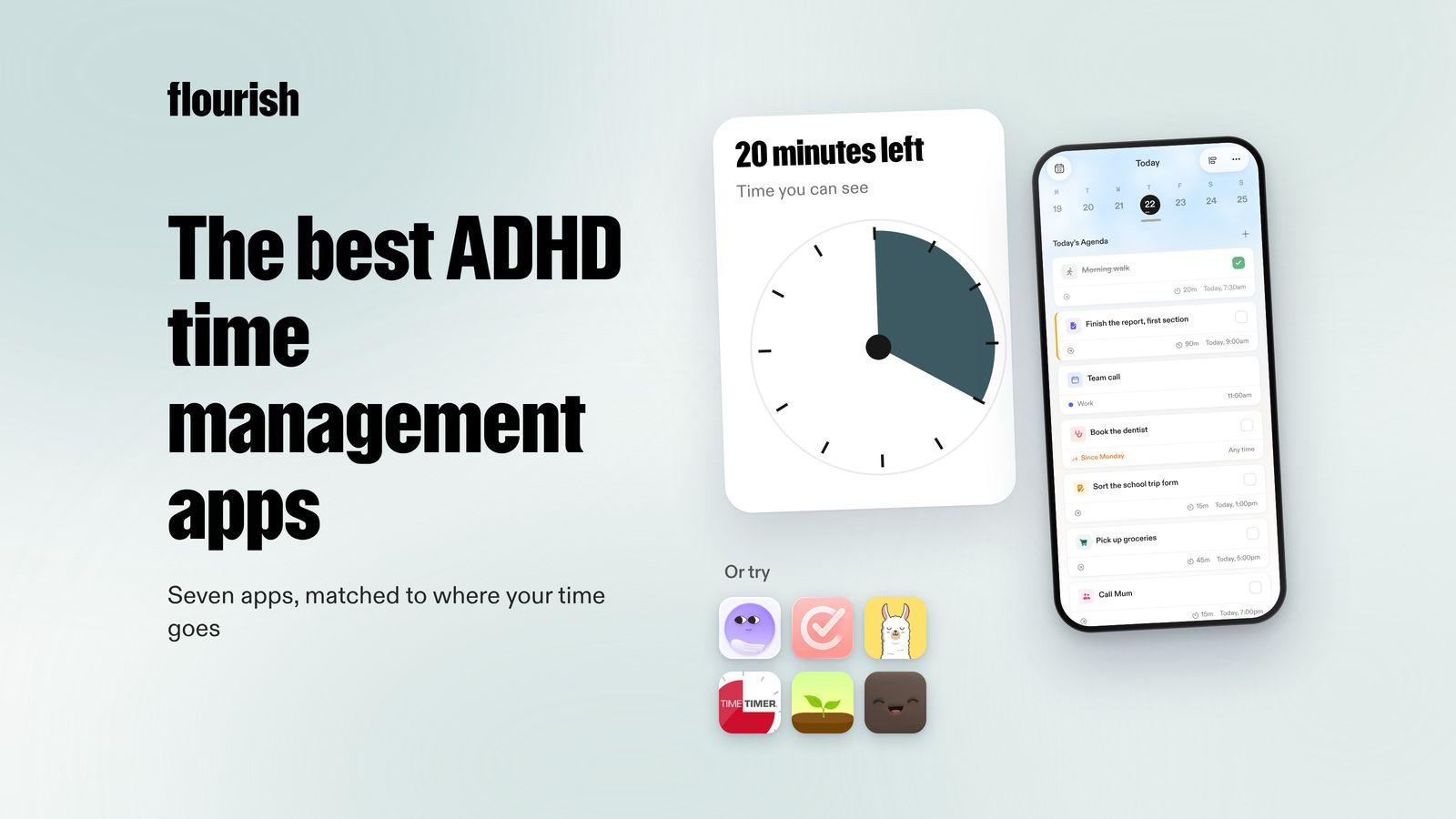
Seven ADHD time management apps, sorted by the time problem they fix: knowing what to do first, seeing the day, feeling time pass, staying with one task, and estimating how long things take.
By Julian · · 9 min read
The short version
The best ADHD time management app is the one that fixes your particular time problem. If you lose the day because you cannot decide what to do first, Flourish is our top pick: you talk through everything on your mind, it turns that into a prioritised list with one clear to-do for the day, and a coach checks in so it happens. If time feels invisible, try a visual timeline such as Tiimo or Structured. If you need to feel time passing, a visual timer such as Time Timer. If you drift between tasks, Llama Life or Forest. If you like detailed control, Amazing Marvin.
Time management with ADHD is rarely about a lack of effort. It is about time being hard to feel, hard to estimate and hard to start. The right app makes time visible from the outside, so your head does not have to hold it.
Why is time management so hard with ADHD?
The NHS lists finding it hard to organise your time among the symptoms of ADHD in adults, alongside struggling to finish tasks. Writing for CHADD, occupational therapist Adam Ly describes time blindness as an ongoing difficulty perceiving time, putting events in order and judging how long a task took. It shows up as lateness, missed deadlines and the feeling that the day disappeared.
In practice, ADHD time problems tend to fall into five types:
- Not knowing what to do first. Everything feels equally urgent, so nothing starts. This is the heart of ADHD paralysis.
- Not seeing the day. Time is abstract until it is gone.
- Not feeling time pass. Twenty minutes and two hours feel the same.
- Drifting between tasks. You start one thing and end up somewhere else.
- Misjudging how long things take. Every task is "five minutes".

Ly's article recommends tools that work from the outside: visual timers, visual schedules, time blocking, the Pomodoro Technique and breaking tasks down, plus doubling or tripling your time estimates and adding buffers. The apps below each put one of those on your phone.
Ranked: the best ADHD time management apps in 2026
1. Flourish: best for knowing what to do first

Flourish is an AI coaching app for ADHD brains with a million things competing for attention. Most time lost with ADHD is lost before anything starts, in the loop of deciding what to do. Flourish removes that step. You talk, and ramble everything on your mind. Flourish turns that ramble into tasks, prioritises them and gives you one clear to-do for the day, which also shows on your lock screen.
Then the coach does the part a timer cannot. Flourish reaches out proactively to help you plan, to challenge what you are about to do next and to keep you accountable when the day drifts. It connects your calendar, wearables and Gmail inbox, so the plan fits the time you actually have.
- Best for: people who lose the morning deciding where to start.
- Platforms: iOS and Android.
- Honest limitation: it has no visual timeline or focus timer. If you need those, pair Flourish with Tiimo or Time Timer and let Flourish choose what goes on them.
Why it is our top pick: a beautiful schedule does not help if you cannot pick what goes in it. Choosing one clear priority, and having someone check in on it, protects the rest of your time. For a broader look at apps built for ADHD, see our pillar guide to the best ADHD apps for adults.
2. Tiimo: best for seeing your day
Tiimo turns your schedule into a visual timeline with colour-coded tasks. Its AI co-planner builds step-by-step plans from what you type or say and estimates how long each step may take. A focus timer shows time passing, widgets and Live Activities keep the next task visible, and mood check-ins help you plan around your energy (Tiimo).
- Best for: visual thinkers who need to see time to manage it.
- Platforms: iOS, iPadOS, Apple Watch, Android and web.
- Honest limitation: a timeline still needs you to decide what goes on it. See our guide to Tiimo alternatives if it is not clicking.
3. Structured: best for a drag-and-drop day
Structured puts your tasks and calendar events on one timeline you can rearrange, with weekly and monthly views, habits, notes and widgets. You can plan with AI, and it pairs focus sessions with your tasks (Structured).
- Best for: people who like to build the day in blocks and move them around.
- Platforms: iPhone, Apple Watch and a web app.
- Honest limitation: it relies on you planning each day. Our guide to Structured alternatives covers other options.
4. Llama Life: best for one task at a time
Llama Life shows one task at a time, each with its own countdown. It totals how long your list will take and when you will finish, compares planned with actual time, keeps a Not Now list so the main list stays short, and celebrates finished tasks with confetti. It can also pull in Todoist tasks due today (Llama Life on the App Store).
- Best for: people who drift between tasks and need a timer on each one.
- Platforms: iPhone, with sync to a web app.
- Honest limitation: you still bring the list. It helps you work through it, not choose what is on it.
5. Time Timer: best for feeling time pass
Time Timer is the app version of the classic red disk timer that shrinks as time runs out. You can run several timers at once, set anything from one second to almost 100 hours, and choose colours, sounds and vibrations (Time Timer on the App Store). CHADD's time blindness article names visual timers such as Time Timer as a practical support.
- Best for: anyone who needs to see how much time is left, not read a number.
- Platforms: iPhone, iPad, Mac and Apple Watch.
- Honest limitation: it is a timer only, with no tasks or planning.
6. Forest: best for staying off your phone
Forest grows a virtual tree while you focus and the tree dies if you leave the app. Deep Focus blocks other apps during a session, Time Guard can block apps on a schedule, and you can focus alongside friends in Plant Together rooms. Coins you earn can go towards planting real trees (Forest).
- Best for: people whose time disappears into their phone.
- Platforms: iPhone, iPad, Android and a browser extension.
- Honest limitation: it protects focus time but does not help you plan what to focus on.
7. Amazing Marvin: best for detailed control
Amazing Marvin is highly customisable. It includes time blocking, time estimates and tracking, a capacity estimator that checks whether your day is realistic, Super Focus Mode showing one task at a time, a Pomodoro timer, a Task Jar that picks your next task at random and a Procrastination Wizard for stuck tasks (Amazing Marvin).
- Best for: people who enjoy tuning a system until it fits them exactly.
- Platforms: Mac, Windows, web, iOS and Android.
- Honest limitation: the number of settings can become its own distraction.
Side by side
- Flourish: time problem: knowing what to do first. How it helps: one clear to-do, chosen with you. Follows up: yes, a proactive coach.
- Tiimo: time problem: not seeing the day. How it helps: visual timeline and AI plans. Follows up: timers and widgets.
- Structured: time problem: not seeing the day. How it helps: drag-and-drop timeline. Follows up: notifications.
- Llama Life: time problem: drifting between tasks. How it helps: a countdown on each task. Follows up: alarms.
- Time Timer: time problem: not feeling time pass. How it helps: a shrinking disk. Follows up: end-of-timer alert.
- Forest: time problem: losing time to your phone. How it helps: blocks apps while you focus. Follows up: no.
- Amazing Marvin: time problem: misjudging time. How it helps: estimates, tracking and capacity checks. Follows up: limited.

How to combine ADHD time management apps without overloading yourself
Every new app is another thing to remember to open. Keep it to two:
- One app that decides. Something that turns everything in your head into one priority each morning. That is where Flourish fits.
- One app that shows time. A timeline, a visual timer or a per-task countdown, depending on whether you lose the day, the hour or the task.
Then add two habits that cost nothing. Double your estimates, as CHADD's article suggests, because the five-minute email is never five minutes. And put buffers between things, so one overrun does not knock out the whole afternoon. If your bigger problem is keeping things in order rather than in time, our guide to ADHD organisation covers the rest.
Which app fits your time problem?
- "I waste the morning deciding where to start." Try Flourish.
- "Time is invisible until it is gone." Try Tiimo or Structured.
- "I need to see how long I have left." Try Time Timer.
- "I start one thing and end up doing another." Try Llama Life.
- "My phone eats my time." Try Forest.
- "I want to tune every detail." Try Amazing Marvin.
If you want a planner rather than a timer, our guide to the best ADHD planner apps compares them by planning style.
The verdict
The best ADHD time management app is the one that makes your missing piece of time visible. If the time goes before you even start, Flourish is our pick, because it turns a spoken brain dump into one clear priority and then checks in so it happens. Tiimo and Structured are best for seeing the day, Time Timer for feeling time pass, Llama Life for one task at a time, Forest for protecting focus and Amazing Marvin for detailed control.
This article is for general information and is not medical advice. If time management problems are affecting your work, health or relationships, speak to your GP or another qualified professional.
Frequently asked questions
What is the best time management app for ADHD?
It depends on where your time goes. If you lose time deciding what to do first, Flourish turns a voice brain dump into one clear to-do and has a coach that checks in. If time feels invisible, Tiimo and Structured show your day as a visual timeline. If you need to feel time passing, Time Timer shows it as a shrinking disk.
What is time blindness in ADHD?
Time blindness is an ongoing difficulty sensing time, putting events in order and judging how long things take. It can lead to lateness, missed deadlines and days that seem to vanish. Tools that make time visible from the outside, such as visual timers, visual schedules and time blocking, are commonly recommended to work around it.
Do visual timers help with ADHD?
Many people with ADHD find visual timers helpful because they show time as a shape that shrinks, rather than a number you have to interpret. CHADD's article on time blindness lists visual timers among practical supports. They work best for single tasks or transitions, alongside a plan for what to do first.
Is Pomodoro good for ADHD?
For some people, short timed sessions with breaks make starting easier and stop hyperfocus running for hours. Others find a fixed 25 minutes too rigid. Try it for a week with session lengths that suit you. Apps such as Amazing Marvin and Forest have focus timers built in.
How can I stop losing track of time with ADHD?
Make time visible and decisions smaller. Choose one priority for the day, put it in a time slot with a buffer either side, and use a visual timer or a per-task countdown while you work. Doubling your time estimates and checking in at lunchtime also help stop one overrun from taking the whole day.
Keep reading

Julian
Flourishing Writer